VBAでマウスの座標を取得してみます。
座標を取得するコードの応用方法も後半に掲載しています。
マウスの座標を取得する
マウスの座標を取得するにはWindowsAPIのGetCursorPosを使用します。
https://learn.microsoft.com/ja-jp/windows/win32/api/winuser/nf-winuser-getcursorpos
Option Explicit
Type coordinate
    x As Long
    y As Long
End Type
Declare Function GetCursorPos Lib "User32" (lpPoint As coordinate) As Long

Sub getMouseCoordinate()

  Dim c As coordinate
  GetCursorPos c
  MsgBox "x座標は" & c.x & " y座標は" & c.y

End Sub
Type coordinate
    x As Long
    y As Long
End Type
GetCursorPosの結果を受け取るための構造体を事前に宣言します。
Declare Function GetCursorPos Lib "User32" (lpPoint As coordinate) As Long
Declareを利用して、WindowsAPIのGetCursorPosを宣言します。
Dim c As coordinate
  GetCursorPos c
  MsgBox "x座標は" & c.x & " y座標は" & c.y
GetCursorPos cでマウスの現在位置を取得します。
座標位置は構造体内の各変数名(今回であればxとy)を使用して取得します。
ステータスバーにマウスの現在位置を表示する
ステータスバーに現在のマウスの位置の座標を表示してみます。
Option Explicit
Type coordinate
    x As Long
    y As Long
End Type
Declare Function GetCursorPos Lib "User32" (lpPoint As coordinate) As Long

Sub getMouseCoordinateFiveSeconds()

  Dim c As coordinate
  Dim startTime As Double
  Dim endTime As Double
  startTime = Timer
  Do While Timer - startTime <= 5
    GetCursorPos c
    Application.StatusBar = c.x & " " & c.y
    endTime = Timer
  Loop

  Application.StatusBar = False

End Sub
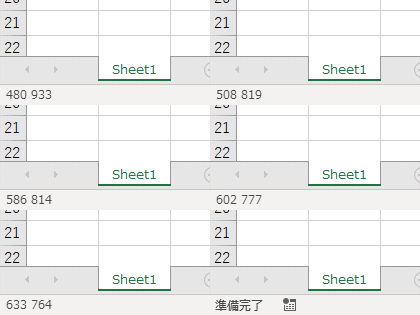
コードを実行すると、ステータスバーにマウスの現在位置が5秒間表示されます。
マウスの移動を再現する
事前に座標を保存しておくと、設定しておいた位置にマウスを動かせます。
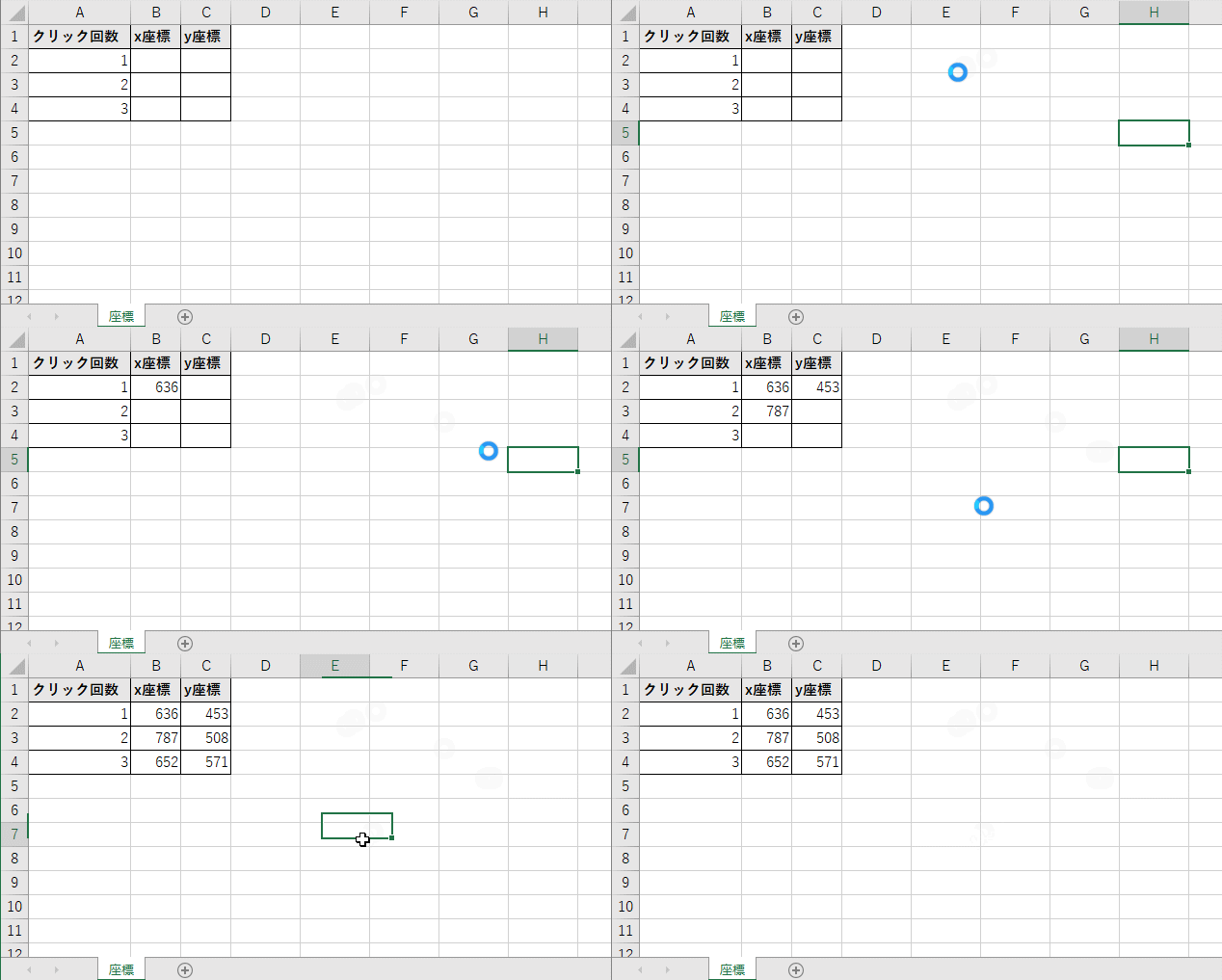
下記のコードsaveCoordinatesを実行すると、「座標」シートにマウスで左クリックした座標位置を書き込みます。
マウスの左クリックの判定にはWindowsAPIのGetAsyncKeyStateを使用します。
https://learn.microsoft.com/ja-jp/windows/win32/api/winuser/nf-winuser-getasynckeystate
Option Explicit

Declare Function GetAsyncKeyState Lib "User32" (ByVal vKey As Long) As Integer
Declare Function GetCursorPos Lib "User32" (lpPoint As coordinate) As Long
Declare Sub Sleep Lib "kernel32" (ByVal ms As Long)

Sub saveCoordinates()

  Dim sht As Worksheet
  Set sht = ThisWorkbook.Worksheets("座標")

  Const CLICKNUM As Long = 3

  Dim currentClickNum As Long
  currentClickNum = 0
  Do While currentClickNum < CLICKNUM
    If GetAsyncKeyState(1) < 0 Then
      currentClickNum = currentClickNum + 1
      Dim c As coordinate
      GetCursorPos c
      sht.Cells(1 + currentClickNum, 2) = c.x
      sht.Cells(1 + currentClickNum, 3) = c.y
      Sleep 100
    End If
  Loop

  Set sht = Nothing

End Sub
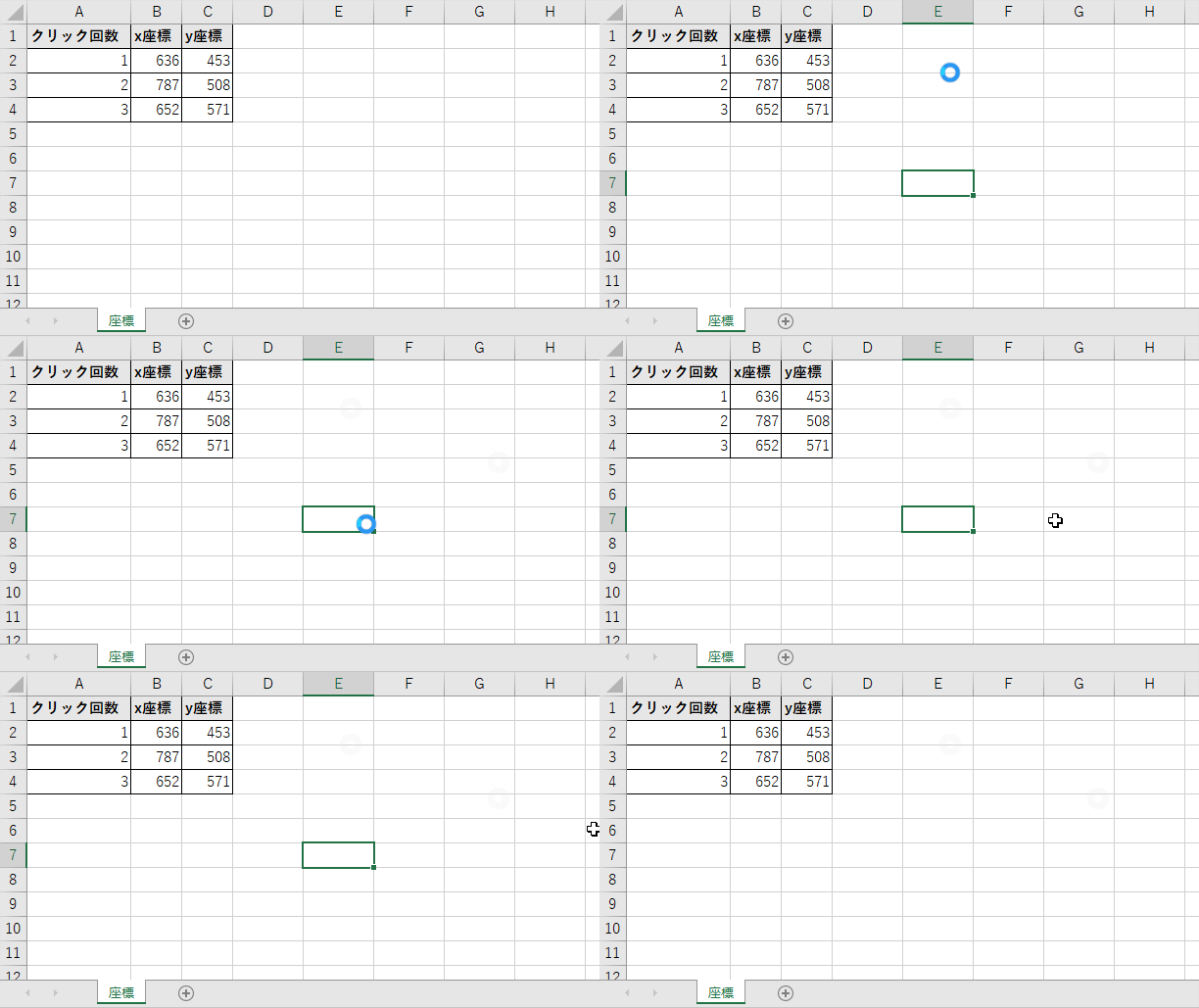
座標位置をシートに取得後、下記のloadCoordinatesを実行すると座標シートに記録した位置にマウスカーソルを移動します。
マウスカーソルの移動にはWindowsAPIのSetCursorPosを使用します。
https://learn.microsoft.com/ja-jp/windows/win32/api/winuser/nf-winuser-setcursorpos
Option Explicit
Declare Function SetCursorPos Lib "User32" (ByVal x As Long, ByVal y As Long) As Long
Declare Sub Sleep Lib "kernel32" (ByVal ms As Long)

Sub loadCoordinates()

  Dim sht As Worksheet
  Set sht = ThisWorkbook.Worksheets("座標")

  Const CLICKNUM As Long = 3

  Dim currentClickNum As Long
  Dim i As Long

  For i = 1 To 3
    Dim x As Long
    Dim y As Long
    x = sht.Cells(i + 1, 2)
    y = sht.Cells(i + 1, 3)
    SetCursorPos x, y
    Sleep 1000
  Next i

  Set sht = Nothing

End Sub
マウスクリックのWindowsAPIと組み合わせると指定した位置の座標を自動でクリックしていくツールを作成できます。 ただ、VBAで作成する必要がなければフリーソフトを使用したほうが工数はかからないです。